We have collectively become very good at wiping down kitchen worktops and very bad at cleaning the one object we hold for most of our working lives. Look at your laptop at an angle in daylight and you will see the evidence: a fine haze across the screen, shine on the space bar, and a rim of something unidentifiable along the trackpad edge. It is not a hygiene emergency. It is, however, doing quiet damage to how the thing feels to use, and there is a particular satisfaction in a screen so clean it looks switched off when it is off.
The reason most people avoid it is fear of ruining something expensive. That fear is reasonable — screens genuinely can be damaged by the wrong cleaner — but the safe method is simple and takes less time than making coffee.
The screen: dry first, damp second, never spray
Shut the laptop down and unplug it. A dark screen shows you every mark, and a powered-off machine means no liquid meeting live electronics.
Start with a clean, dry microfibre cloth — the kind sold for glasses or camera lenses, not a kitchen cloth and definitely not a paper towel, which is abrasive enough to leave fine scratches over time. Wipe in one direction with light pressure. A surprising amount of haze is just dust and lifts off dry.
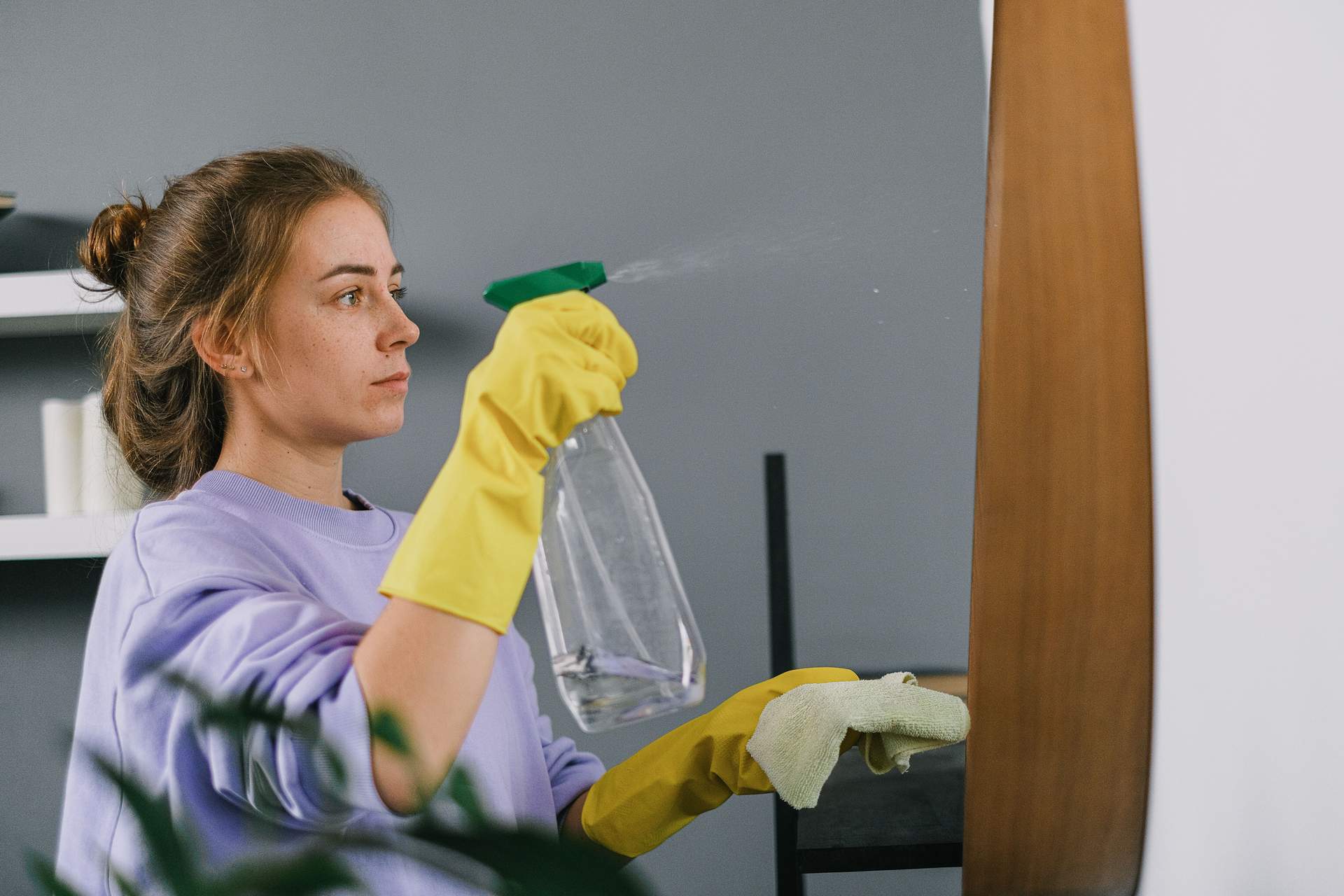
For what remains, dampen a corner of the cloth with a little water so it is barely moist, not wet, and go again. Never spray anything directly at the screen; liquid runs straight down into the bezel and the hinge. If you want something stronger, use a wipe or spray sold specifically for coated displays. Avoid household glass cleaner, anything containing ammonia or bleach, and neat alcohol — modern screens have coatings that these strip, and once the coating goes patchy there is no fixing it. Finish with a dry pass to stop water marks drying in.
The keyboard, trackpad and the bits you never look at
With the machine still off, tip it gently forward and brush the keys with a soft, dry brush — a clean make-up brush is ideal — to bring crumbs out rather than pushing them deeper. Work from the top row down so debris falls away from the keys you have already done.
For the shine on the keycaps and palm rest, use a cloth lightly dampened with water, or an alcohol wipe used on the keys only if the manufacturer's guidance allows it. The cloth should never be wet enough to drip between keys. Do the trackpad the same way, then the outer case, then the rubber feet, which collect an extraordinary amount of grime and are the reason your laptop skids on the desk.
Do not forget the charging cable, which is often the dirtiest item in the bag, and the webcam lens, which benefits from one careful dry pass and nothing else.
The five-minute reset around it
Cleaning the machine is a good excuse to reset the space it lives in, and the two together take almost no time. Clear the desk completely — everything off, surface wiped — then put back only what earns its place. The mug goes to the kitchen. The stack of paper gets sorted into act, file, or bin, standing up, in one pass. Cables get grouped rather than untangled individually.
I do this on a Friday afternoon, in the last fifteen minutes when nothing serious is going to get started anyway. There is a psychological effect that outlasts the tidiness: arriving on Monday to a clear surface and a clean screen removes a small decision from a morning that already has enough of them.
How often does a laptop actually need cleaning?
A dry screen wipe once a week keeps the haze from building up, and a fuller clean — keys, case, trackpad, feet — once a month is plenty for most people. If you eat at your desk, share the machine with children, or work somewhere dusty, move that up to fortnightly.
What should I never use on a screen?
Keep household glass and surface sprays, anything with ammonia or bleach, undiluted alcohol, abrasive sponges, paper towels and tissues well away from the display. If you are unsure about a product, check the manufacturer's own cleaning guidance for your model — it is usually a short page and it will tell you exactly what is safe for that coating.
Why this small job is worth protecting
There is a category of task that never makes it onto a to-do list because it is too small to justify a line, and so it never gets done at all. Cleaning the tool you work on every day belongs there. Attach it to something that already happens — the end of the week, the first of the month, the afternoon you tidy the desk anyway — and it stops requiring a decision. A clear screen will not fix your workload. It will, reliably, make the hours spent in front of it feel a little less like wading.