You don't need an expensive camera to come home with stunning holiday photos. The truth is, the phone already in your pocket can do far more than you realise — most of us just never touch the settings that make the biggest difference.
Here are four simple tricks that can take your next batch of vacation shots to a whole new level.
1. Turn on gridlines for better composition
One of the easiest ways to instantly improve your photos is to switch on the camera gridlines. You'll find this option in your camera settings, and it helps you apply the classic rule of thirds — placing your subject along the lines or where they intersect.
The result feels more balanced and intentional. Gridlines guide the most important elements into focus, so your shots look composed rather than accidental.
2. HDR mode: perfect for tricky light
The High Dynamic Range (HDR) mode lets you capture both the bright and shadowy parts of a scene without blowing out the highlights.
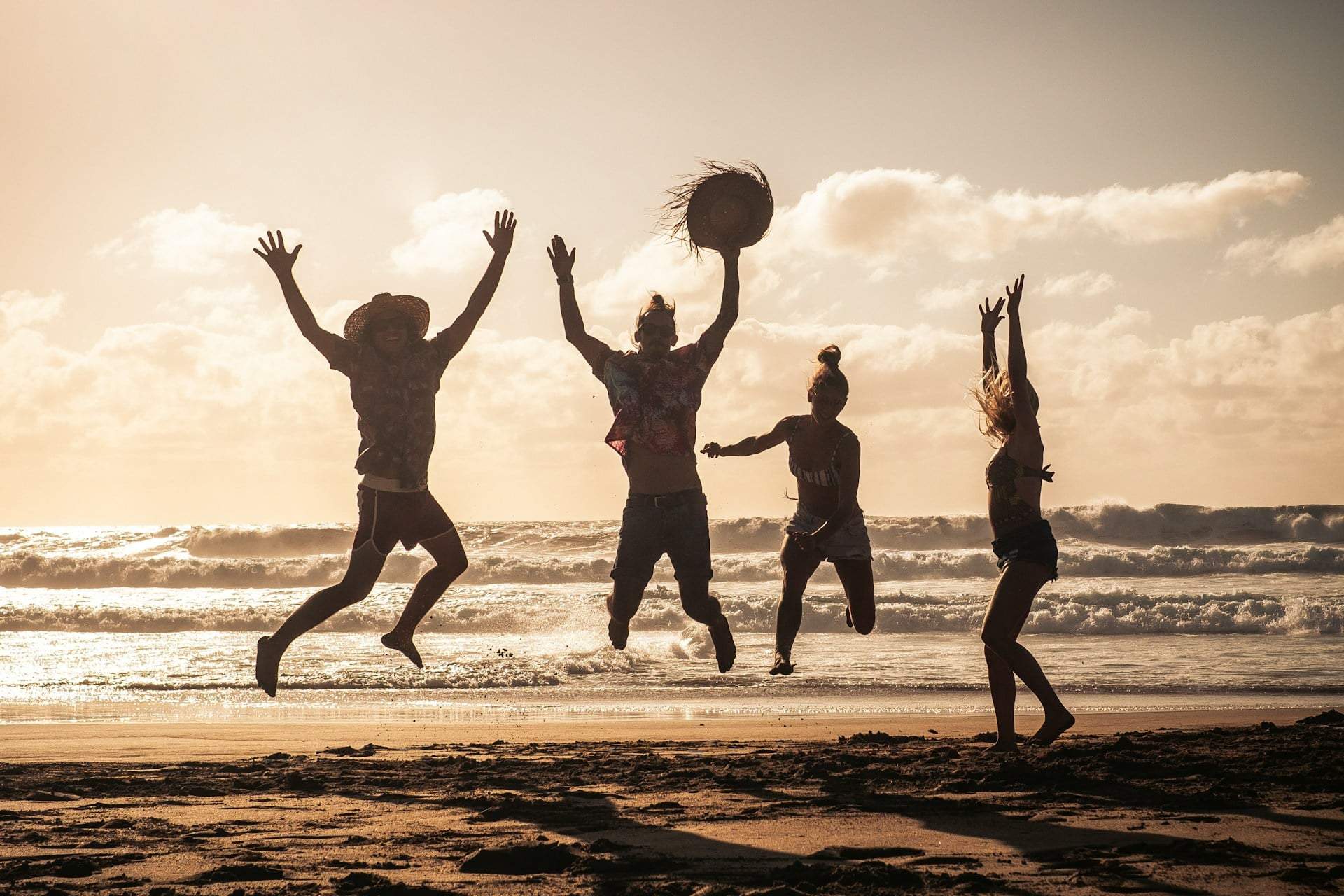
Switch it on when the sun is strong or you're shooting into the light. Both the bright areas and the shadows keep their detail, giving your photos a sense of depth and balance that flat, overexposed shots simply can't match.
If you're planning a trip with the kids, it's worth reading up on how to make family holidays run more smoothly so you actually have time to enjoy the view.
3. Manual focus: pin down exactly what matters
Autofocus usually does a great job, but in certain situations manual focus gives you sharper, cleaner results.
Tap and set the focus point yourself, especially when you're photographing small objects or close-up details. It's the easiest way to make your subject pop and avoid that frustrating soft, blurry look.
4. Pro mode: full control for the perfect shot
Pro mode puts the camera's most important settings in your hands — including ISO, shutter speed and white balance.
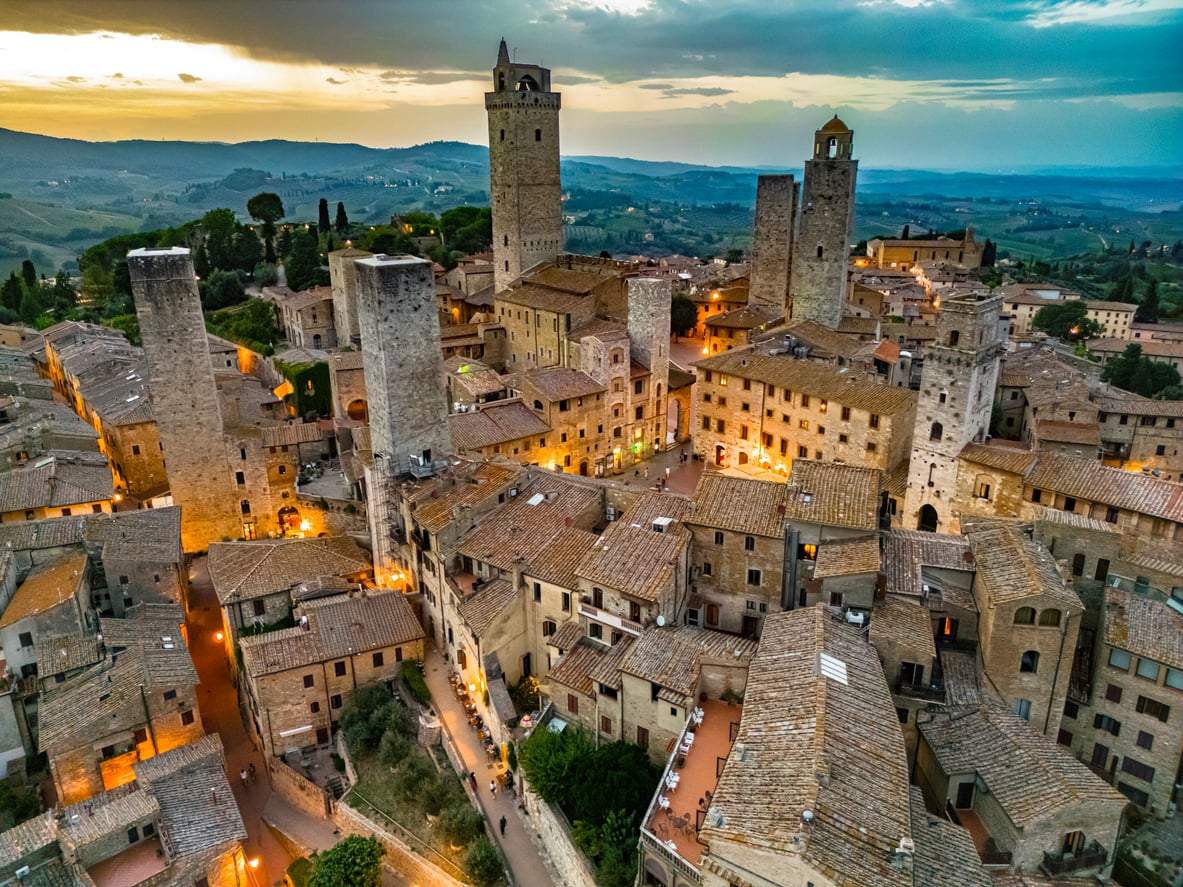
That means you can adapt to any lighting condition and shoot like a real photographer, whether you're capturing a beach sunset or a glowing city skyline at night.
Next time you're heading off on a trip, give these four settings a try. The difference is instant — your photos will look magazine-worthy, and your friends and family won't believe they came from a phone.
Do I need an expensive phone to use these features?
No. Gridlines, HDR, manual focus and pro mode are common features found in most smartphone cameras, so you can start experimenting with the phone you already own.
When should I turn on HDR mode?
Use HDR when the light is challenging — strong sunlight or backlit scenes. It keeps detail in both the bright and shadowy parts, giving your photos more balance and depth.
Why use manual focus instead of autofocus?
Autofocus works well most of the time, but manual focus lets you decide exactly what to sharpen. It's especially useful for small objects and close-up details, helping your subject stand out.
What can I control in pro mode?
Pro mode gives you control over settings like ISO, shutter speed and white balance, so you can adapt to any lighting and capture more professional-looking shots.