There's something quietly unsettling about glancing at your phone screen in the right light and seeing the full horror of what's accumulated there — smudges, grease, dust, and who knows what else. Or peering between the keys of your laptop and deciding it's better not to think about it. We carry these devices everywhere, touch them constantly, and almost never clean them properly.
According to Logitech, regular cleaning isn't just about keeping things looking nice — it actually helps devices perform better and last longer. And the good news is that it's not complicated. You just need to know what works and what can cause real damage.
The one rule before you do anything
Before you clean any device, power it off completely, unplug it from charging, and remove any cases, covers, or accessories. This isn't optional. Moisture and electricity are a bad combination, and skipping this step can turn a simple cleaning session into a costly repair.
The go-to cleaning solution for electronics is isopropyl alcohol — a disinfecting, antibacterial liquid that leaves no residue and evaporates quickly. Alex Diaz-Kokaisl, an expert at electronics repair company iFixit, recommends using a concentration of 90% or higher. The faster a liquid evaporates, the less chance it has to seep into components and cause damage.
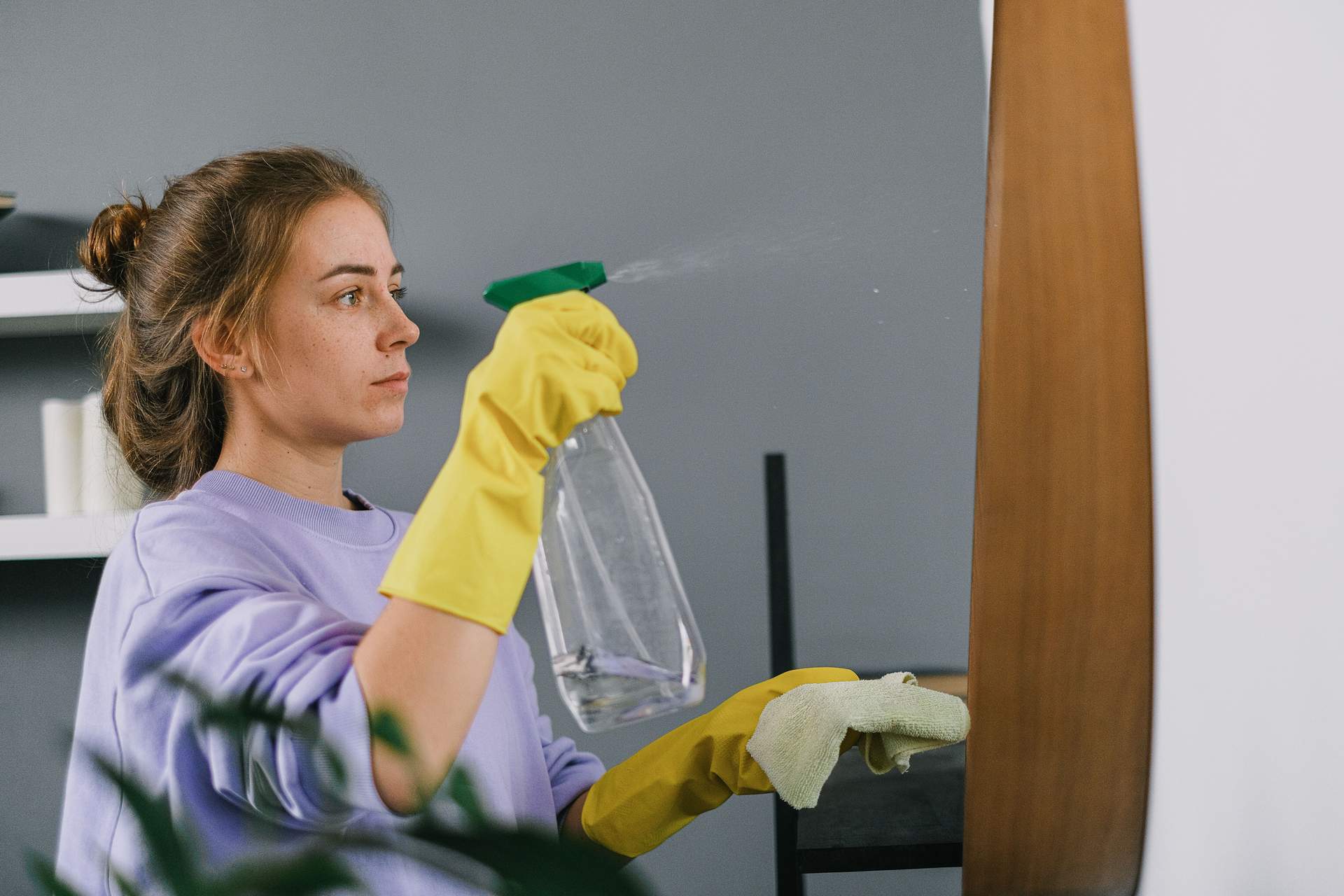
Always apply the alcohol to a cloth first — never directly onto the device. Rubber gloves are a good idea too, since isopropyl alcohol can irritate skin with repeated contact.
Smartphone
Your phone is the device you touch most — and the one that carries the most bacteria. Isopropyl alcohol on a microfiber cloth is ideal for wiping down the screen and back panel. Avoid getting any moisture near the speakers or charging port.
Always remove the case before cleaning. Dirt, oil, and grime love to build up around the edges and corners where the case meets the phone — exactly where your hands grip it most. Clean the case separately, then let both dry before putting it back on.
Laptop and keyboard
Start by shutting down the laptop completely. Turn it upside down and gently tap it to loosen any debris, then use compressed air to blow out the dust and crumbs that have collected between the keys. Do the same for the ventilation vents — just be careful not to blast the dust deeper into the machine.
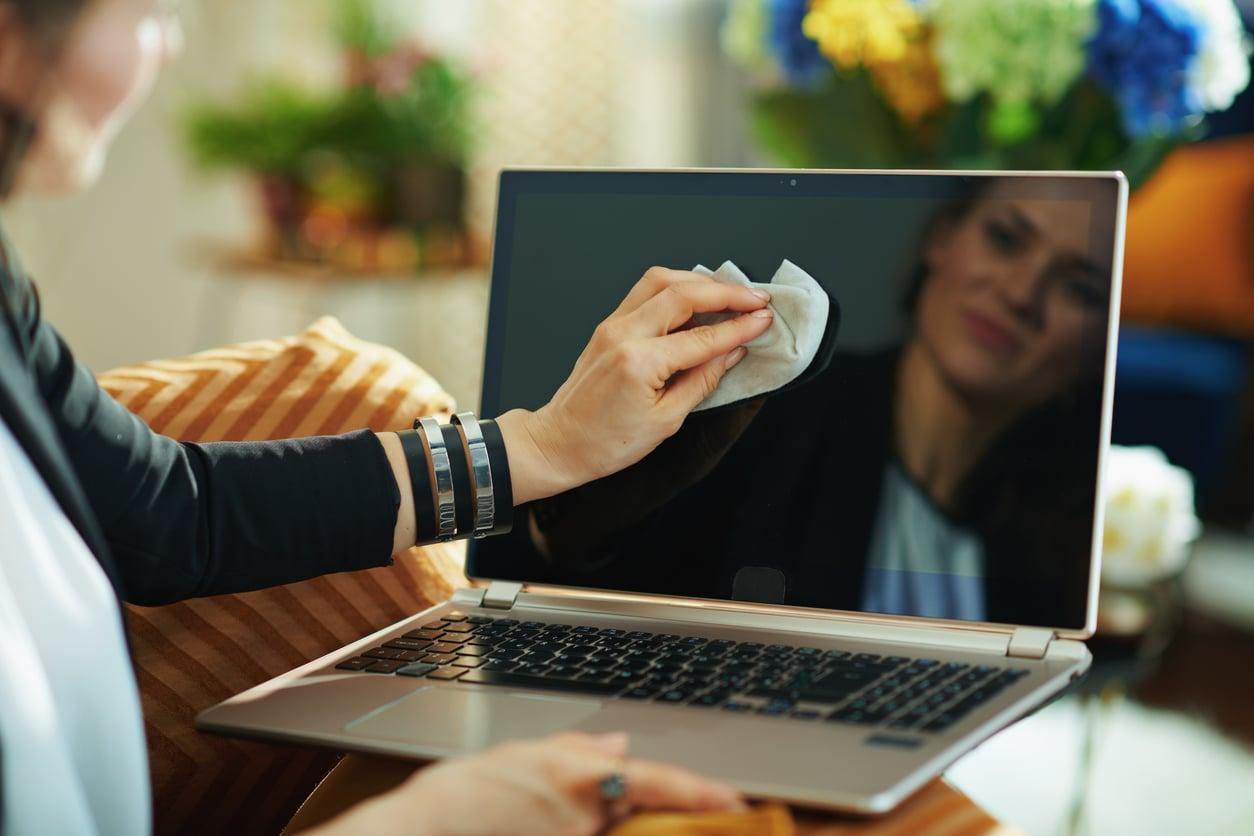
Wipe the screen with a dry microfiber cloth and avoid harsh chemical cleaners, which can strip the anti-glare coating. Never use a household vacuum cleaner on electronics — it generates static electricity that can damage internal components.
The palm rest and the outer casing deserve attention too. A lightly dampened alcohol cloth works well here — these are the surfaces you touch constantly, yet they're almost always the last to get cleaned.
Earbuds and headphones
For earbuds, the safest first step is using compressed air to gently dislodge any trapped particles from the mesh and crevices. Cleaning methods can vary significantly between brands, so it's always worth checking the manufacturer's guidelines before you start.
Use a cloth specifically designed for electronic devices to wipe down the surfaces, then either air dry or buff with a clean microfiber cloth. Never let moisture sit in or around the speaker mesh.
What you should never do
Never wipe a screen with paper towels. They feel soft, but at a microscopic level they're abrasive enough to leave fine scratches over time. Household cleaning sprays and window cleaners should never be used on electronics — the chemicals are too aggressive for sensitive coatings and surfaces.
Some manufacturers explicitly warn against pre-moistened wipes, as they can accelerate wear on certain finishes. Always check your device's official cleaning guidelines if you're unsure. And never spray anything directly onto a device — not water, not alcohol, and not compressed air held too close.
You don't need to do all of this every day. But wiping your phone once a week, giving your laptop keyboard a proper clean once a month, and checking in on your earbuds every now and then — that's the minimum routine that will genuinely extend the life of your devices and keep you from carrying a invisible ecosystem of bacteria wherever you go.
How often should I clean my phone?
A quick wipe-down with a microfiber cloth and isopropyl alcohol once a week is enough for most people. If you're frequently in dusty environments or share your phone with others, cleaning it more often makes sense.
Can I use regular disinfectant wipes on my devices?
Some manufacturers allow it, but many warn against it — certain wipes contain chemicals that can damage screen coatings or finishes over time. Always check your device's official care guidelines first, and when in doubt, stick to isopropyl alcohol on a microfiber cloth.
Why can't I use a household vacuum on my keyboard?
Household vacuums generate static electricity, which can damage sensitive electronic components inside the device. Compressed air is the safe alternative for dislodging dust and debris from keyboards and vents.
Is it safe to clean the charging port?
You can carefully use compressed air to clear dust from a charging port, but avoid inserting anything wet or using metal tools. Always make sure the device is powered off and unplugged before attempting any cleaning near ports or openings.