Picture this: after a long day, you finally sit down on the couch with your favorite series or a new movie. A sip of tea, a little snack, and everything feels perfect… until you notice streaks, fingerprints, and dust on the screen. Suddenly, the magic fades.
Many believe cleaning a TV is complicated or requires special cleaners. According to Southern Living, it’s actually the opposite: modern flat screens have delicate yet easy-to-clean surfaces. With a few simple tips, your screen will look as fresh as the day you unboxed it. Let’s dive into the best ways to clean it!
Why Does Our TV Attract So Much Dust?
TV screens generate static electricity, making them like magnets for dust. Every touch and fingerprint leaves tiny oily spots that attract even more dirt, eventually creating a dull, grimy layer on the screen.
That’s why regular cleaning isn’t just about looks—it helps keep your buttons and screen working smoothly.
How Often Should You Clean Your TV?
For a crystal-clear picture, wiping once a week is usually enough. But depending on your lifestyle, you might want to clean more often. If you have kids, pets, or a dusty home, wiping several times a week won’t hurt. A quick dust-off not only improves the view but also prevents stubborn stains.
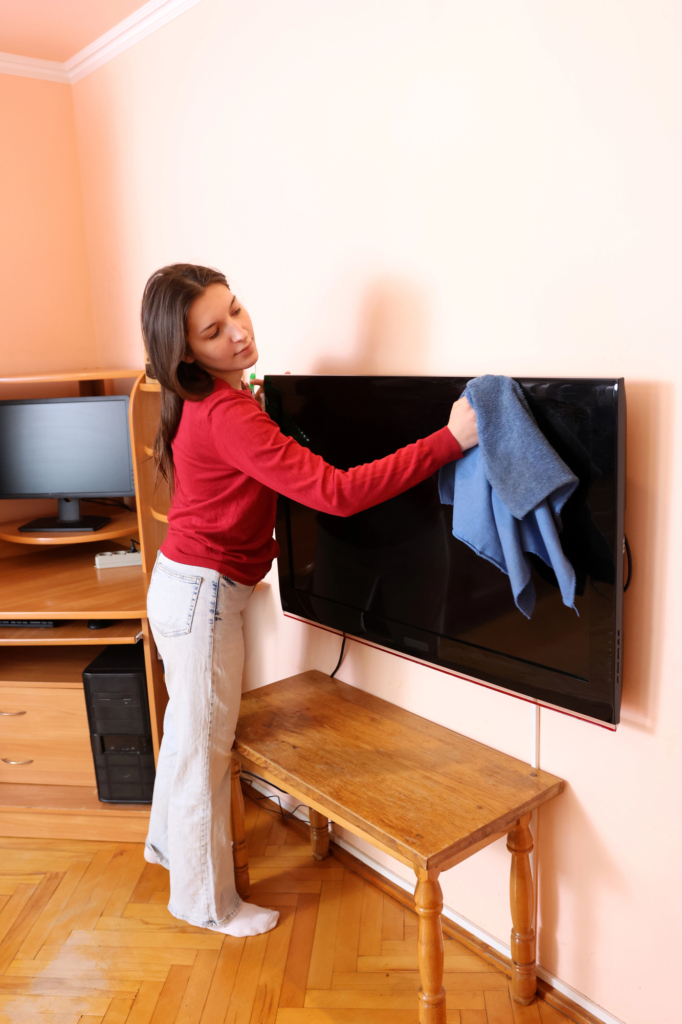
Preparation: Safety First
Before you start, turn off your TV and unplug it. Let it cool down a bit. This is not only safer but also helps because dust and fingerprints show up much better on a cold screen.
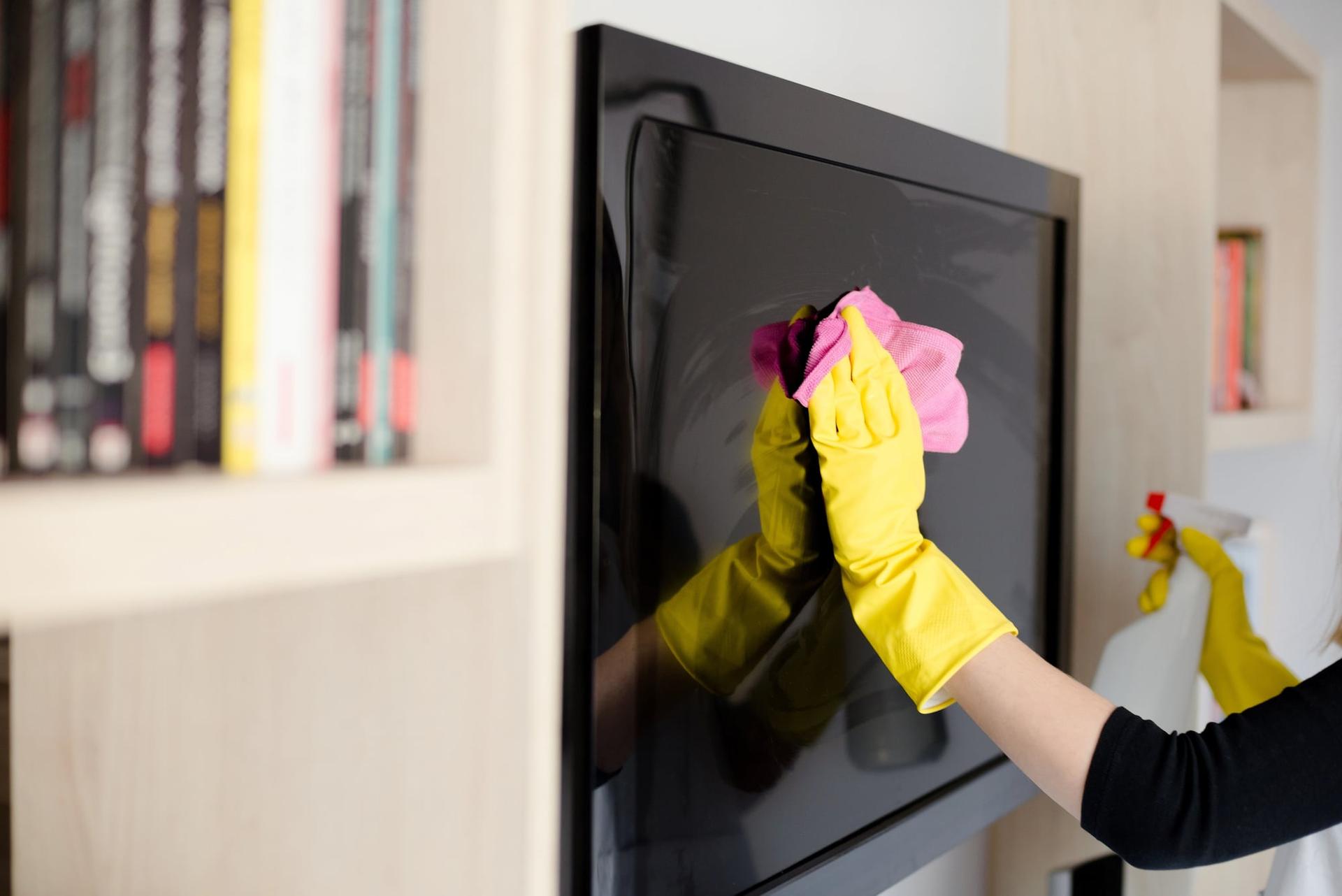
First, always dust the surface gently with a dry microfiber cloth using circular motions.
Never use window cleaners, alcohol, ammonia-based products, paper towels, or rough cloths—they can easily damage your screen.
Step-by-Step: How to Get a Perfectly Clean Screen
- Lightly damp wipe
Moisten a clean microfiber cloth slightly with water, then gently wipe the screen. Use circular or one-directional strokes to minimize streaks. - Removing stubborn spots
For fingerprints or tough grime, use distilled water or a screen cleaner made for electronics. Never spray directly on the screen—apply a few drops to the cloth instead. - Drying
Wipe the surface with a clean, dry microfiber cloth. Only turn the TV back on when it’s completely dry.
The Surprising Trick: Coffee Filters
If you want a super easy, dry clean and your TV’s manual allows it, try using a paper coffee filter. It’s lint-free, soft, and won’t scratch. Just wrap it around your fingers and gently wipe the screen—dust and fingerprints often vanish without a trace. But remember, only use it dry.
Remote Control: The Often Overlooked Partner
Don’t forget your remote! Here’s how to make it sparkle:
- Remove the batteries.
- Use compressed air or a small brush to clear crumbs from between the buttons.
- Wipe the surface with a microfiber cloth slightly dampened with soapy water or a disinfectant wipe.
- Dry it thoroughly, then put the batteries back in.

Tips to Keep Your Screen Cleaner, Longer
- Dust weekly, or more often if it gets dirty quickly.
- Wipe always in one direction and fold your cloth multiple times.
- Avoid touching the screen unnecessarily.
- Occasionally clean the TV’s ventilation openings to prevent overheating.